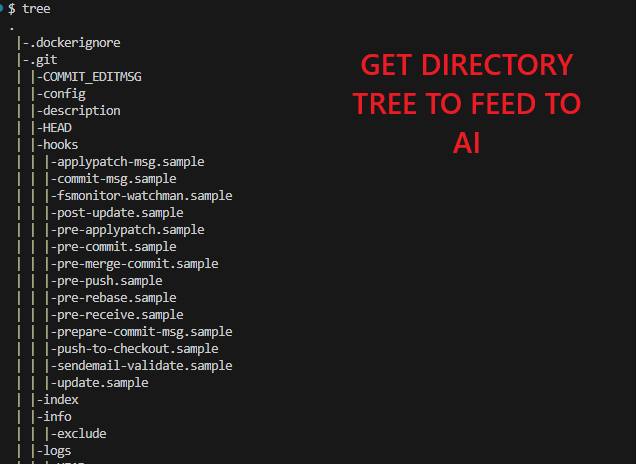
Ever wanted to feed the directory tree of your repository to AI?
In order for AI to help you, you need to give it the right context.
Sometimes, this means giving it the directory tree of your repo. You could use the standard “tree” command by installing it using “sudo apt install tree” in Linux. But, you could also create a function yourself!
Below is a bash function that you can use to generate a directory tree in text format. First you define the function (which can be done in the terminal) and later you execute it by going to the directory you wish to share and simply typing “tree” in the terminal.
function tree() {

    find ${1:-.} | sed -e "s/[^-][^\/]*\// |/g" -e "s/|\([^ ]\)/|-\1/"

}The directory tree in text format will look like below:
|-.gitignore
|-Dockerfile
|-MAINTAINERS.md
|-package-lock.json
|-package.json
|-public
| |-favicon.ico
| |-index.html
| |-robots.txt